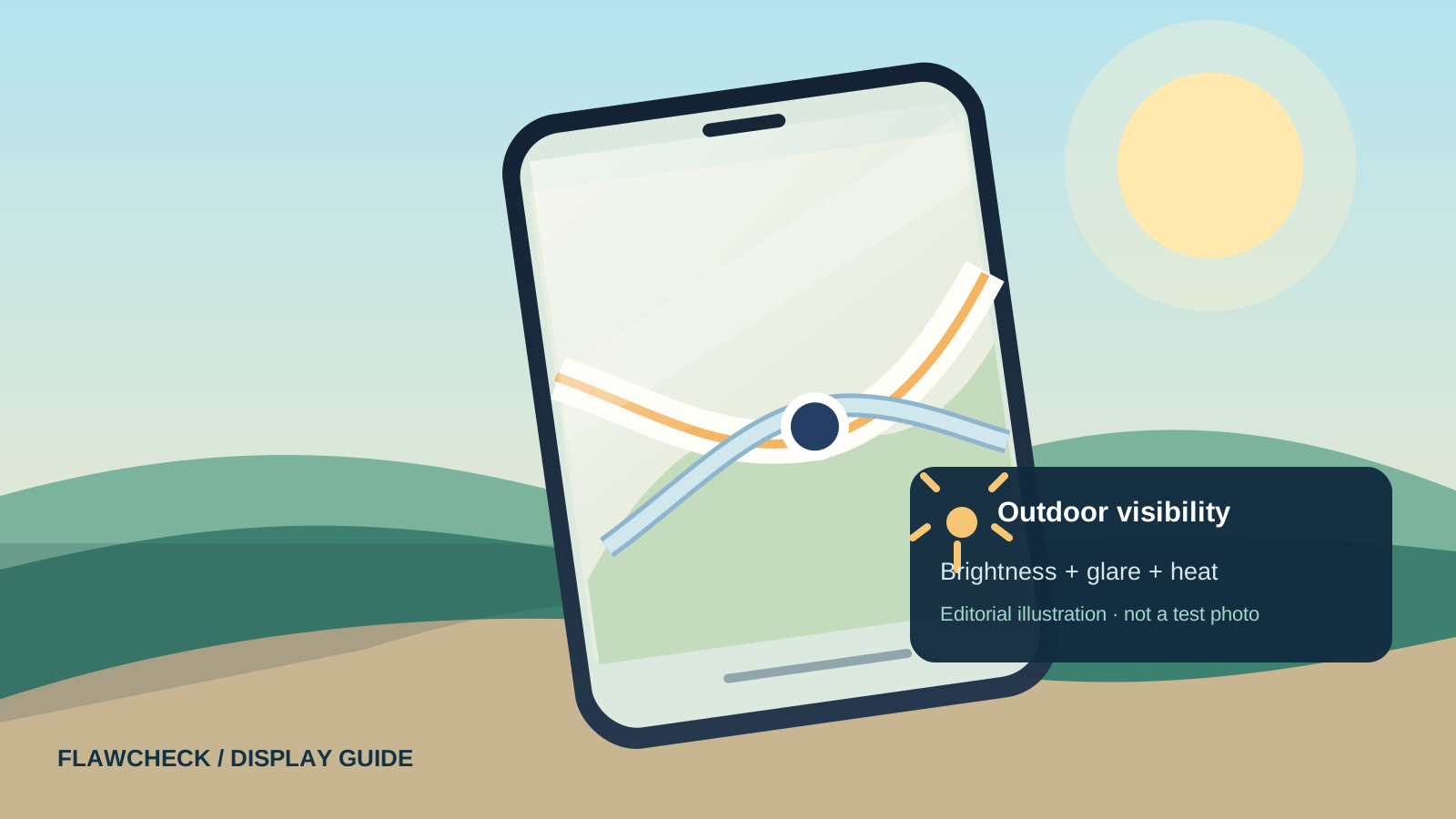
Your phone looked bright when you stepped outside. A few minutes later, the map is hard to read, the camera preview looks washed out, and the brightness slider is already at the top. A headline promising thousands of nits did not tell you how this moment would go.
There are two different problems that feel like a dim screen. The display may actually reduce its light output, or sunlight reflected from the glass may make an unchanged image look faint. Settings and conditions for an outdoor brightness boost add a third complication. Start by identifying which problem you have; the fixes and buying lessons differ.
Quick answer: If the screen is readable at first and then visibly darkens while the phone grows warm, thermal protection is a plausible explanation. If the apparent darkness changes immediately when you tilt the phone or move into shade, glare is a strong clue. If the screen is dark from the start, check brightness and accessibility settings, battery-saving behavior, and whether your model’s outdoor boost requires automatic brightness. None of these clues alone proves a hardware fault. Apple, Xiaomi and Honor document temperature-related dimming; Google documents a temporary sunlight boost on supported Pixel phones. Apple Support · Xiaomi Support · Honor Support · Google Pixel Help
Is the screen actually dimming, or is it harder to see?
Before changing settings, look for a change over time. Open the same ordinary screen indoors, in bright shade, and outdoors. Keep the content and brightness setting the same where possible. If the display seems to lose light after several minutes, note the time, whether the phone feels warm, and whether navigation, charging, recording or gaming is running. If it becomes readable as soon as you change your viewing angle without any gradual brightness change, reflection may be the bigger issue.
This is a practical comparison, not a laboratory measurement: changing ambient light also changes how your eyes perceive the screen, and automatic brightness may respond between observations. It helps narrow the question rather than prove a precise cause. A screen that briefly becomes less bright outdoors is also different from a fixed keyboard or status-bar outline visible across apps; our OLED burn-in and image-retention guide explains how to check a persistent mark.
| What you notice | First possibility to check | Useful next step |
|---|---|---|
| Hard to read the moment you enter sunlight; tilting the phone helps | Reflection and reduced apparent contrast | Try bright shade or a different angle; inspect the glass and protector. |
| Bright initially, then visibly darker after prolonged outdoor use | Temperature management or a time-limited boost | Stop charging or heavy tasks, move into shade and see whether brightness recovers after cooling. |
| Dark from the start even with the slider at maximum | Display or accessibility settings; mode-dependent brightness | Check the settings for your exact model, then compare indoors and outdoors. |
| Brightness changes after moving between lighting conditions | Automatic brightness and the ambient-light sensor | Check whether adaptive/auto brightness is on and whether the sensor area is obstructed. |
| Dark only during a particular app or video | Content, app or HDR behavior | Compare with the same static screen and a second app before blaming the panel. |
If the display stays abnormally dark in a cool indoor room, repeatedly blacks out, or fails to recover after settings checks, use the manufacturer’s diagnostic and service route. An outdoor-only symptom is not enough to diagnose damaged hardware.
Why your phone gets harder to see outside
Sunlight and reflections can wash out a screen that has not changed
A phone emits light toward your eyes, but its front surface also reflects ambient light. Bright reflections make the darker parts of the image harder to distinguish. A phone can therefore feel dim in direct sun without lowering its actual output. Shading the screen or changing its angle can make text more legible immediately. Anti-reflective surfaces and films can affect this experience, although a manufacturer’s marketing claim for a film is not an independent measurement of improvement. Samsung anti-reflecting film
This matters most for maps, camera framing and dark interface elements. If shade fixes the problem instantly, more advertised nits are not the entire answer. The glass, protective film, content contrast and viewing angle also matter. Glass durability and anti-reflection are different claims: our screen glass explainer shows how to read scratch and drop claims without assuming they establish outdoor readability.
Automatic brightness and power settings change what the display does
Automatic brightness uses surrounding light to adjust the display. Apple provides Auto-Brightness controls in Accessibility settings; Pixel calls the feature Adaptive brightness. Samsung also documents Adaptive brightness and power-saving modes that can dim a Galaxy screen. The menu names and interaction between modes vary by model and software version. Google Pixel Help · Apple iPhone User Guide · Samsung Support
Do not assume turning automatic brightness off always helps outdoors. Google says supported Pixel phones can temporarily exceed their normal brightness maximum under very bright ambient light when Adaptive brightness is active. Samsung’s Extra brightness is a separate feature on supported Galaxy phones and appears when Adaptive brightness is off. These are device-specific behaviors, not one rule for all Android phones. Google Pixel Help · Samsung Extra Brightness Support
Heat can make a bright phone pull back
Direct sunlight warms the device while the screen, camera, GPS, mobile radio and charging may add to the load. Apple says an iPhone or iPad can dim its display or turn it black if internal temperature exceeds its normal operating range. Xiaomi and Honor describe automatic brightness reductions on phones that heat up, including cases where automatic brightness is disabled. Apple Support · Xiaomi Support · Honor Support
That does not mean every outdoor dimming event is overheating. A warm back panel is a clue, not a thermometer for the display or internal components. The stronger pattern is a repeatable decline during a sustained task followed by recovery after a pause in shade. For CPU and GPU slowdowns that occur alongside the dimming, see our phone thermal throttling guide.
Peak, HDR, outdoor and sustained brightness: what are you comparing?
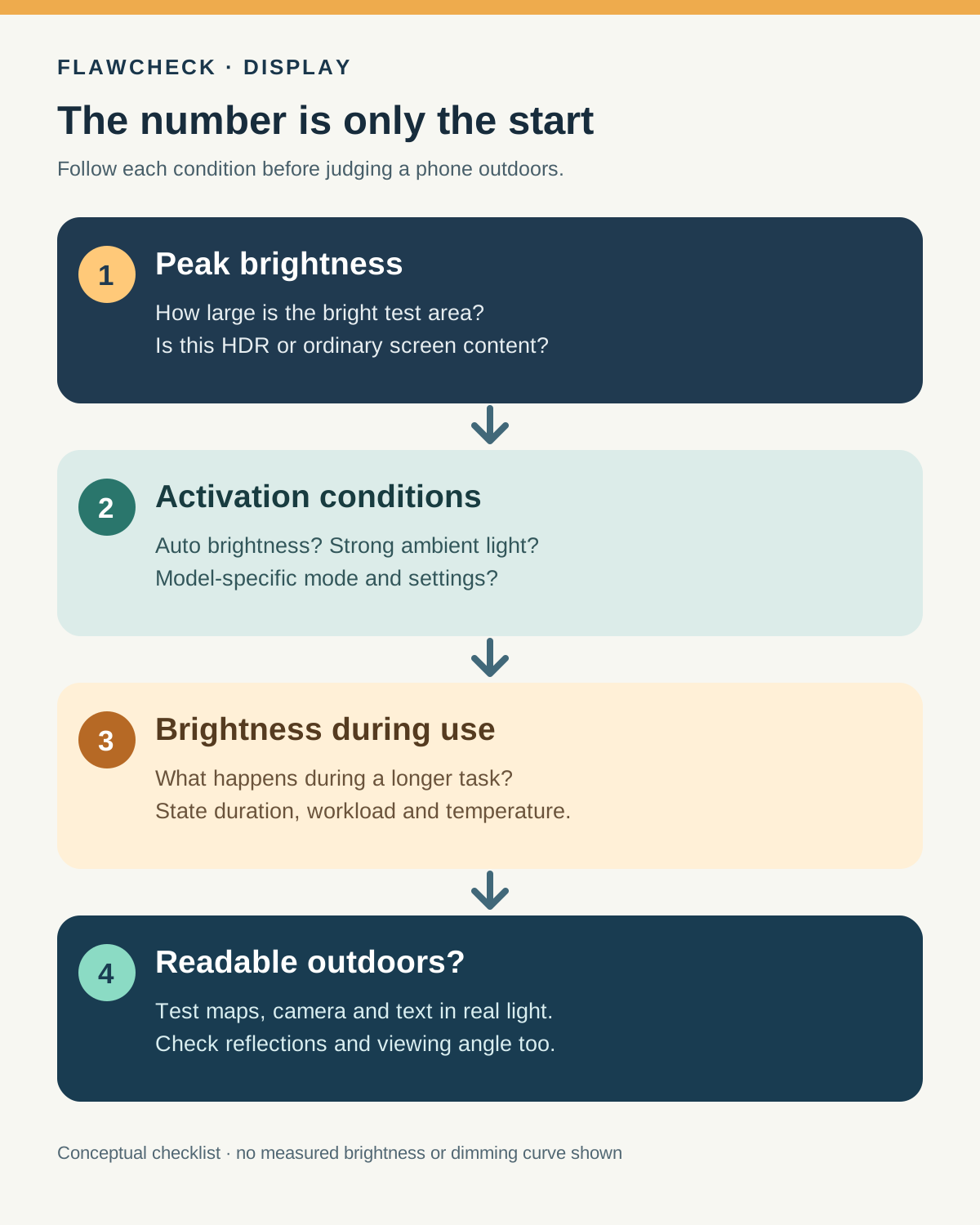
Nits express luminance, but the number alone does not describe how, when or for how long a phone reached that luminance. Google specifies that a peak-brightness figure for some Pixel models is measured with a 5% on-pixel ratio: only a small fraction of the screen is lit in that test. That footnote is an example of why measurement conditions matter; it is not a universal rule for every phone maker or model. Google Pixel hardware specs
| Term on a spec sheet or in a review | What it may tell you | What it does not settle |
|---|---|---|
| Peak brightness | Highest output under the stated test conditions, sometimes on a small bright area | Full-screen readability during navigation or how long that output lasts. |
| HDR brightness | Output under an HDR content test, if the maker states a separate value | Ordinary app brightness or sustained outdoor visibility. |
| Outdoor boost / high brightness mode | A brighter operating mode under specified conditions | Whether it is available manually, how long it remains active, or whether heat will limit it. |
| Full-screen or 100% window measurement | Output while a larger bright area is displayed under the test protocol | Glare, viewing angle or performance after prolonged use. |
| Sustained brightness | Output retained over a stated period in stated conditions | A universal result at every outdoor temperature or workload. |
These labels are not interchangeable, and reviewers may use different window sizes, light sources, ambient temperatures, settings and test durations. An HDR highlight reaching a large peak number does not prove a white map can remain equally bright. A brief outdoor measurement does not prove that brightness lasts through a long walk in sun. Ask for the protocol before comparing two numbers.
Why can the brightness slider stay at maximum while the screen looks dim?
The slider is a user request, not a live luminance meter. On a particular device, other settings or protective controls may affect the delivered light. Apple’s temperature guidance and Xiaomi’s support guidance document situations in which the screen dims because of heat; Xiaomi says the user may not be able to brighten it even after switching off automatic brightness. Apple Support · Xiaomi Support
Check the simple possibilities first. On iPhone, inspect Settings → Accessibility → Display & Text Size → Auto-Brightness and, if bright colors look unexpectedly muted, Reduce White Point in the same area. Apple says Reduce White Point tones down bright colors. Apple iPhone User Guide · Apple display and text settings On Pixel, check Settings → Display → Adaptive brightness and remember that the sunlight boost described by Google is temporary. Google Pixel Help On Galaxy, inspect Settings → Display → Adaptive brightness, supported Extra brightness options and power-saving settings. Samsung notes that Extra brightness appears only when Adaptive brightness is disabled on supported models. Samsung Support · Samsung Extra Brightness Support
Do not treat those menu paths as instructions to disable every feature permanently. Try one reversible change at a time and see what happens in the lighting condition that produces the problem. A manual maximum may behave differently from an automatic outdoor mode.
What to check when your screen dims outdoors
- Change the angle or move into shade. An immediate improvement points toward glare or ambient contrast. Note whether the screen visibly brightens after a delay as the sensor responds.
- Check the same content and the brightness slider. A dark map theme, camera preview or HDR video can mislead a comparison. Use a normal page with readable text, then return to the original app.
- Check the mode for your model. Look at automatic brightness, battery saver, Extra Dim or Reduce White Point where applicable. Find the manufacturer’s instructions for the exact phone before assuming a setting enables the brightest outdoor mode.
- Look for a heat pattern. Did the display start bright and fall during navigation, recording or charging? Stop intensive use, unplug the charger if practical, and let the phone cool in shade. Do not put a hot phone in a refrigerator or try to override its thermal controls.
- Repeat after cooling. Compare the same task for a similar duration and note how quickly dimming returns. If the display remains unusually dark in a cool environment, seek device-specific support.
Record the phone model, software version, weather or approximate ambient conditions, battery state, charging state, app, automatic-brightness setting and time before the change. This makes a support report more useful and prevents a single sunny-day impression from turning into an unsupported claim that a model is defective.
Why glare matters even when the phone has a high nit rating
An emitted-light measurement does not measure every reflection from the front surface in your actual surroundings. A mirrorlike reflection over dark text reduces the contrast you perceive. The quickest demonstration is to hold the same screen in one position, then rotate it away from the reflected sky or step into bright shade. If it becomes easy to read without a settings change, the problem cannot be explained by peak luminance alone.
Screen protectors can change reflections and image appearance. Do not assume that an “anti-glare” label always improves your phone: inspect a measured comparison or test it yourself when possible. For a device you already own, cleaning the glass, adjusting the viewing angle and testing with a light theme in a map or reading app are low-cost checks. They may improve readability without changing the panel’s measured luminance.
What should you look for before buying a phone for outdoor use?
Start with the task: checking messages occasionally is different from holding a bright map on screen during a long walk, or using a camera viewfinder repeatedly in hot weather. Our long-term phone buying guide treats screen usability and eventual repair cost as ownership questions. Then read the maker’s footnotes for peak, HDR and any outdoor claim. If the methods differ or are unstated, do not rank phones by the largest number.
Look for an independent review that describes its brightness measurement: manual versus automatic mode, ambient light used to trigger a boost, test content or window size, and whether the reviewer recorded a change over time. A real-world outdoor observation can add useful context if the reviewer states the lighting and duration. No single brief test guarantees the same result in a hotter city, with a case, while charging or with a different app.
When possible, try the exact model outdoors with your own map, camera and reading app. Check whether it is readable immediately and whether it remains usable after several minutes. Compare reflections as well as output. A phone that looks dazzling in a shop can still have an outdoor limitation that matters more to your use than its peak spec. Our display technologies guide explains the panel labels if you also need to choose between LCD, OLED and LTPO.
Verdict
When your screen dims outdoors, first decide whether the panel has actually reduced its light or sunlight has reduced the contrast you can see. Then check settings and heat under repeatable conditions. Peak brightness is a useful specification only alongside its test conditions; outdoor readability depends on reflections, available brightness modes and what the display can maintain while you use it. A device-specific, sustained observation tells a buyer more than a peak number by itself.
Sources and evidence notes
This is a research-based guide. FlawCheck has not measured sustained brightness for every phone. Manufacturer support pages establish documented behaviors; they do not establish how a different model performs outdoors. The diagnostic sequence and buying checklist are editorial inferences from the cited behavior and measurement limits.
- Apple Support: If your iPhone or iPad gets too hot or too cold — temperature-related display dimming.
- Xiaomi Support: Why does brightness automatically decrease when the phone gets hot? — model-dependent thermal dimming, including when auto brightness is off.
- Honor Support: Screen still dims after automatic brightness is disabled — documented thermal response.
- Google Pixel Help: Manage screen and display settings — Adaptive brightness and temporary sunlight boost on supported Pixels.
- Apple iPhone User Guide: Adjust screen brightness and color — controls and Auto-Brightness.
- Samsung Support: Stop screen brightness from dimming — Adaptive brightness and power-saving behavior.
- Samsung Support: Extra brightness — supported feature and interaction with Adaptive brightness.
- Google Pixel hardware tech specs — peak brightness 5% on-pixel-ratio footnote for applicable devices.
- Apple iPhone User Guide: Change display colors — Reduce White Point.
- Samsung: Anti-reflecting Film — maker claim about reflections, used only as an illustration of the factor.