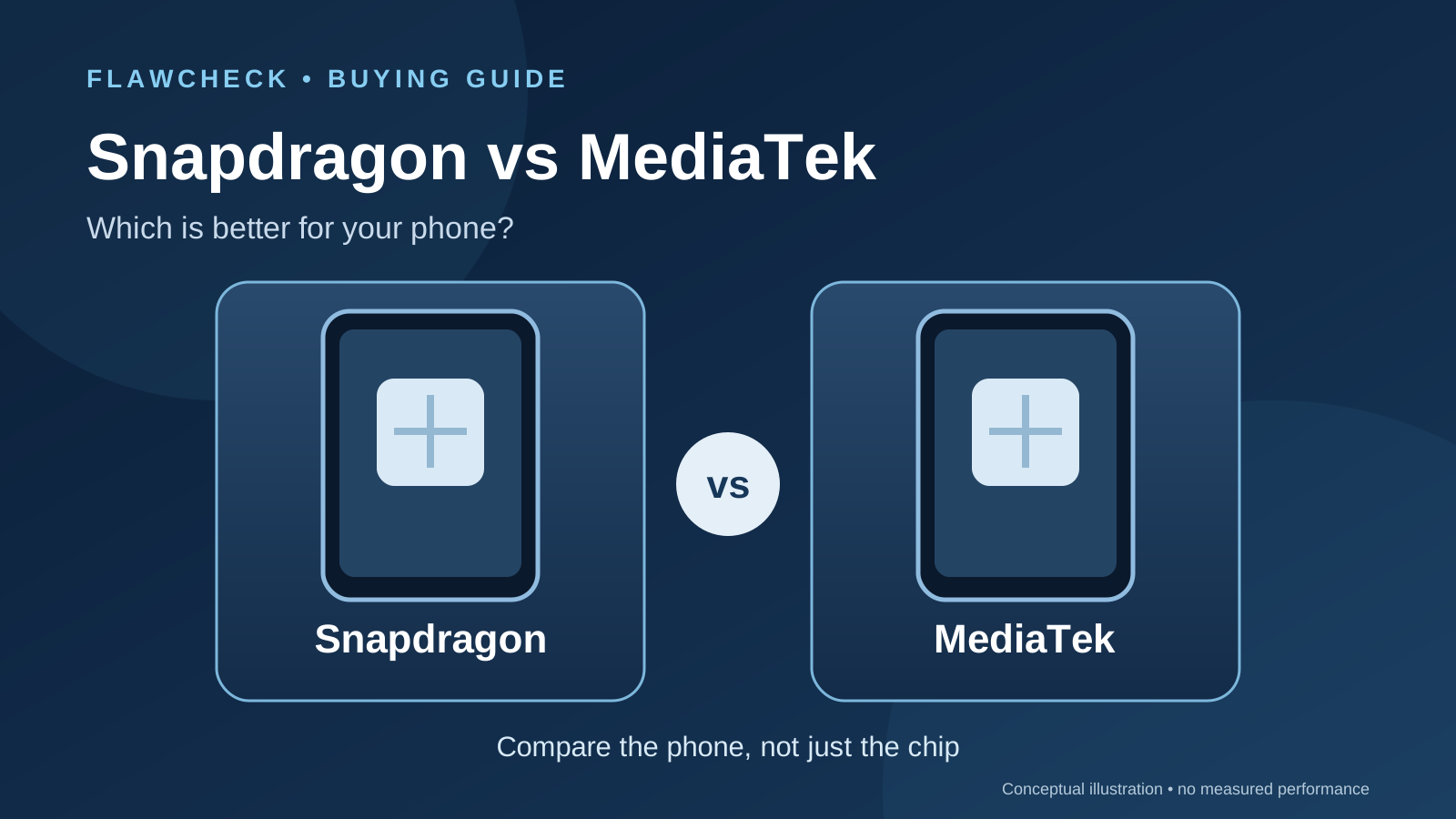
Quick answer: Neither name is a buying verdict. A Snapdragon phone is worth choosing when its specific model demonstrates an advantage in a game, feature, or task you will use, and that benefit outweighs the price or other compromises. A MediaTek phone deserves equal consideration when its actual performance meets your needs and its battery, cameras, storage, support, or price make the complete phone a better fit.
Compare two phones sold in your market, their exact chipsets and the features you will use. A benchmark lead may mean little when both phones hit your game’s frame-rate cap; a missing camera mode or Wi-Fi band can matter more. Our processor-spec guide explains the components.
Everyday speed
Check: Repeated tasks on the exact phones, with RAM, storage and software noted.
The badge cannot prove: Every app opens faster.
Gaming
Check: The same game build and settings; sustained FPS, frame times and session length.
The badge cannot prove: A higher GPU score wins every game.
Battery and heat
Check: Comparable whole-phone runtime, workload, brightness and surface temperature.
The badge cannot prove: Chip efficiency or sustained speed from one result.
Camera and video
Check: Actual modes, representative samples and recording limits.
The badge cannot prove: A stronger ISP makes better pictures.
Connectivity
Check: Regional phone bands, Wi-Fi implementation and carrier compatibility.
The badge cannot prove: Real-world speed from a modem peak.
Long-term use
Check: Model-specific update terms, repairs and usable storage.
The badge cannot prove: A support end date or guaranteed lifespan.
Decision rule: Start with the exact phone and the task that matters to you. The chip name is a clue to investigate, not the result.
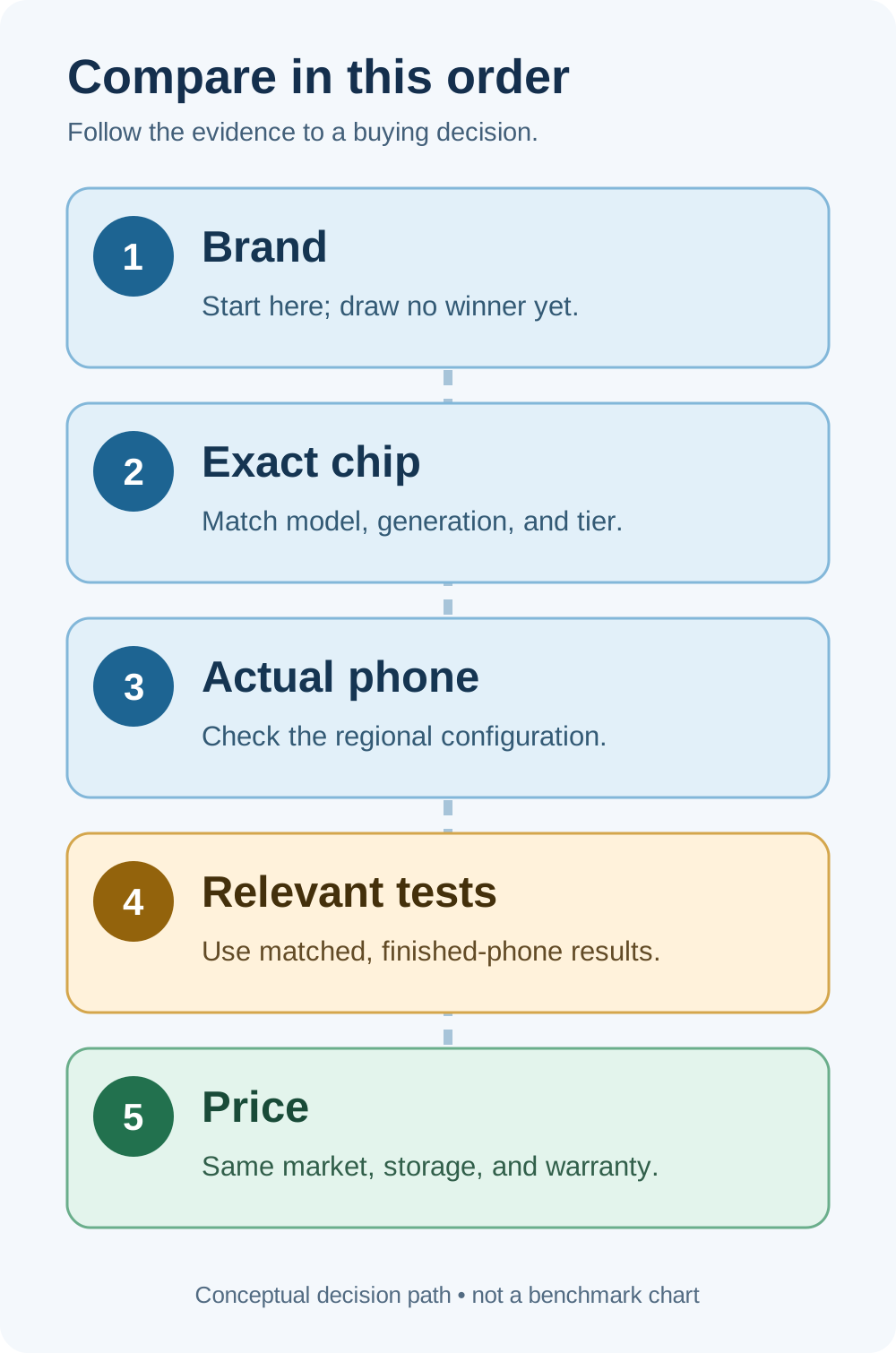
Compare the Exact Chips Before Comparing Brands
The Snapdragon flagship variant boundaries distinguish Elite, non-Elite and clock/core configurations. This brand guide remains the place to compare exact Snapdragon and MediaTek phones.
Snapdragon is Qualcomm’s family of mobile platforms. MediaTek is the company behind several chipset families, including Dimensity and Helio. “Snapdragon vs MediaTek” therefore mixes a product family with a company name; a useful comparison names both actual processors. Qualcomm’s Snapdragon catalog and MediaTek’s Dimensity catalog span different price and capability classes.
Read the generation and suffix: Snapdragon 8s Gen 4 differs from 8 Gen 3, just as Dimensity 8400-Ultra differs from 9400e. The maker selects memory, storage, cooling, radios and software. Qualcomm’s 8s Gen 4 page and MediaTek’s 9400e page describe platform capabilities, not every finished phone’s sustained results.
Record the regional model, RAM/storage, screen, battery, price and warranty. Our guide to what makes a phone feel fast covers the remaining bottlenecks.
Everyday Performance: Will You Notice the Difference?
Messaging, browsing, maps and video calls seldom push a premium chip to its maximum for long. Loading, app retention, network delays and display frame delivery can shape the experience beyond CPU speed.
These sources lack matched app-launch and switching trials, so there is no everyday-speed winner. Seek repeated tests of your task—large documents, photo batches, navigation-to-message switching or video export—with the tested RAM/storage and software stated. One simultaneous tap on two screens is weak evidence for a tiny lead.
Buying decision: If both phones respond comfortably in the work you actually do, spend the difference on the feature you will notice daily, such as storage capacity, a better camera, longer verified support, or a less expensive phone. Pay for extra compute when a comparable task-level test shows that it saves meaningful time or preserves an experience the other model cannot deliver.
Gaming: Match the Game, Then Watch a Full Session
Game caps and available graphics modes constrain visible results. Average FPS can hide stutter; seek game version, preset, frame-time trace, session length and performance after warming. Our benchmark interpretation guide explains what synthetic scores can establish.
Two historical POCO reviews make the limitation concrete. Notebookcheck measured 59.2 FPS on average for Genshin Impact at its highest tested setting on a 12/512 GB POCO F7, which uses the Snapdragon 8s Gen 4. Its F7 review lists game build 5.8.0_35245262_35356052. The same publisher measured 59.5 FPS on average on a 12/512 GB POCO X7 Pro, which uses the Dimensity 8400-Ultra, in its X7 Pro review using build 5.3.0_29183395_29332470. Both samples were reviewed on Android 15 and HyperOS 2. Xiaomi confirms the F7’s processor and the X7 Pro’s processor.
These separate tests used different game versions. Their 0.3 FPS gap proves no winner, and a “120 fps” preset label does not override the measured near-60 result. Session duration, gaming mode, firmware build, route and charging state were not established. Ask for a matched long-session test before paying more.
The F7 review also reports that some 3DMark stress runs ended with an overheating warning and required a cooler starting CPU temperature to complete. That is a finding about the reviewed phone and software at the time, not a claim about all Snapdragon 8s Gen 4 phones. A high opening score cannot tell you whether your particular handset stays comfortable and fast over a long session. See our thermal throttling guide for how to read a sustained test.
Emulation needs its own evidence. Compatibility can depend on the exact emulator build, graphics backend, game, GPU driver, and phone firmware. We have not established a matched emulator/driver trial for these pairs. If emulation is your main reason for buying, find a repeatable demonstration using the exact software and phone version you plan to use; native Android-game FPS does not answer that question.
Battery Life and Heat: Judge the Finished Phone
Screen, radios, battery size, cooling, firmware and workload all affect runtime. Dividing hours by milliamp-hours does not isolate chip efficiency; a cool exterior can reflect lower performance.
Notebookcheck’s historical Wi-Fi browsing results were 22 hours 43 minutes for the F7 and 19 hours 43 minutes for the X7 Pro. The F7 test identifies Chrome 138.0.7204.168; the extracted X7 Pro test does not establish its browser version. Xiaomi’s global specifications list 6,500 mAh for the F7 and 6,000 mAh for the X7 Pro. These figures describe tested phones, not a Snapdragon-versus-Dimensity efficiency ranking.
A second pair cautions against guessing from battery size. The same publisher recorded 25 hours 16 minutes of Wi-Fi browsing for OnePlus 13R and 23 hours 45 minutes for the international realme GT 7. The 13R has a listed 6,000 mAh battery; the international GT 7 lists 7,000 mAh. The reviews used different Chrome versions, and the tested configurations were 12/256 GB and 12/512 GB respectively. Read the OnePlus review, the realme review, and the manufacturers’ OnePlus and realme specifications for the respective markets.
Buying decision: Use relevant whole-phone runtime tests. For gaming, demand battery drain alongside frame consistency and surface temperature; web-browsing hours do not predict your game’s draw.
Evidence limit: Different battery capacities and browser versions prevent a chip-efficiency verdict from these two published runtime pairs.
Camera, Connectivity, and AI: Supported Is Not Delivered
The maker decides which camera modes to expose. OnePlus UK lists front 1080p30 on 13R; realme Spain lists front 4K60 on GT 7. That feature difference matters to a selfie-video buyer, though quality, stabilization and recording duration need separate samples and tests.
The reviews likewise describe phone-specific camera compromises. Notebookcheck found the 13R’s low-light photos could lose sharpness and exposure, while the GT 7’s processing oversaturated some dark greens. These observations were not a matched-scene FlawCheck camera test and cannot produce a universal Snapdragon or MediaTek camera winner.
Connectivity provides an even clearer warning about platform specification sheets. MediaTek lists 6 GHz tri-band Wi-Fi capability for Dimensity 9400e. Yet realme lists 2.4 and 5 GHz Wi-Fi bands for its international GT 7, and the original GT 7 review reports no 6 GHz operation. OnePlus lists Wi-Fi 6E and 7 for the UK 13R, and its review measured 6 GHz operation. A buyer with a compatible router can make a decision from that implemented feature. It does not prove one chip maker has universally better cellular reception. For travel, check the phone variant’s supported bands and your carrier instead of quoting a modem’s theoretical top speed.
For AI, check language, market, account, connectivity and whether the feature is useful. OnePlus’s footnotes qualify several features on those grounds. An NPU specification alone cannot confirm an available offline feature.
Updates and Long-Term Use: Read the Model’s Promise
Support depends on the maker’s promise for the regional model. Check its start date, major Android upgrades, security patches and rollout. Repairs, battery replacement, RAM and storage also matter; see our long-term ownership guide.
An exact, consistently scoped support table for all four examples remains unverified: some manufacturer model rows are dynamic, and one realme list applies specifically to Android Enterprise Recommended devices. Check the maker’s terms for your consumer variant. Anecdotes do not establish a brand-wide aging rate.
Buying decision: If long use is the priority, reject a phone whose verified remaining support or repair path is too short for your intended ownership period—even when its chipset benchmark looks stronger. Give the chipset credit only where its available performance actually meets future workloads you expect to use.
Two Worked Buying Decisions
The prices below are historical 2025 European review context, checked against the cited sources on September 29, 2026. They are not current same-day offers. Check a local seller, storage tier and warranty before buying.
POCO F7 vs POCO X7 Pro
Tested phones: F7, Snapdragon 8s Gen 4; X7 Pro, Dimensity 8400-Ultra. Both 12/512 GB, Android 15, HyperOS 2.
Market and historical price: Germany, separate 2025 reviews: about €420 F7; €430 X7 Pro list price. F7 test · X7 Pro test.
Documented result: Published whole-phone Wi-Fi browsing: 22h43 F7 vs 19h43 X7 Pro. Both averaged near 60 FPS in their separate highest-setting Genshin tests.
Tradeoff and decision: Different game builds (5.8.0 vs 5.3.0); no matched long-session winner. F7 review reports some stress runs interrupted by overheating. Batteries differ (6,500 vs 6,000 mAh). Compare current prices and matched play.
OnePlus 13R vs international realme GT 7
Tested phones: 13R, Snapdragon 8 Gen 3 (12/256 GB); GT 7, Dimensity 9400e (12/512 GB).
Market and historical price: Europe, 2025: starting 12/256 GB position about €749–750; tested GT 7 12/512 GB listed about €800. Storage tiers are unequal. 13R test · GT 7 test.
Documented result: 13R: implemented 6 GHz Wi-Fi and published Wi-Fi browsing 25h16 vs 23h45. GT 7: listed front 4K60 and eSIM; 13R UK front video 1080p30, review reports no eSIM. 13R specs · GT 7 specs.
Tradeoff and decision: Different browser versions, battery sizes (6,000 vs 7,000 mAh), regional configurations and tested storage. Confirm local SKU and price. No matched chip-level gaming winner.
POCO F7 versus POCO X7 Pro: The separate game versions and differences in battery and cooling leave a brand-level gaming verdict open. Check a matched, sustained play test and today’s same-market price before paying a premium.
OnePlus 13R versus international realme GT 7: Choose the 13R if its implemented 6 GHz Wi-Fi matters more to you; choose the GT 7 if front 4K60 and eSIM on your regional variant matter more. The published Wi-Fi runtimes are whole-phone results under different browser versions.
These 2025 test records teach a method, not current deal rankings.
Price check: Refresh same-market, same-storage prices and warranty before treating either historical pair as a live buying recommendation.
Buyer Checklist and Verdict
- Name the exact phones and market variants. Record chip, RAM, storage, battery, display, enabled network bands, and update terms.
- Name your deciding task. Native game and settings, day-to-day app workload, selfie video, mobile reception, or five-year ownership.
- Seek the right finished-phone evidence. Repeatable task tests, measured game frame times and longer sessions, representative camera samples, or comparable runtime tests.
- Check what is missing. Different test versions, undisclosed gaming modes, unverified regional features, or a policy quoted from another model can reverse a quick verdict.
- Compare today’s total buying cost. Use the same market, storage tier, seller warranty and expected ownership period. Put a value on the actual advantage before paying a premium.
Verdict: Buy the Snapdragon phone when its exact configuration proves an advantage in your priority task or delivers an implemented feature you cannot get from the alternative at a fair total price. Buy the MediaTek phone when it meets the same practical threshold and provides a better mix of price, features, verified runtime, and support. If neither phone has comparable tests for your deciding task, keep the verdict open and check that evidence before paying extra for either badge.